

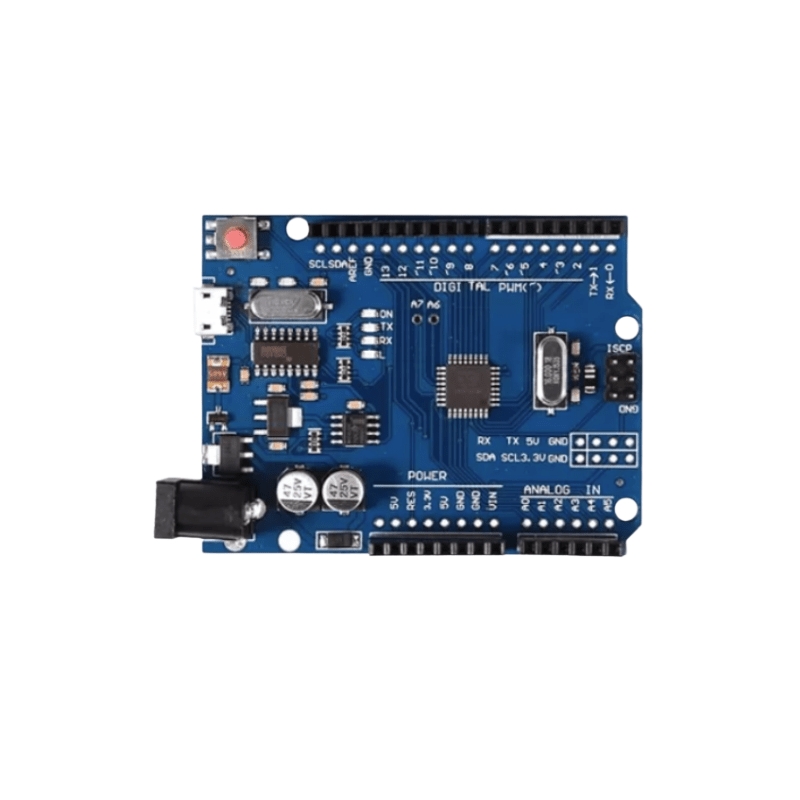
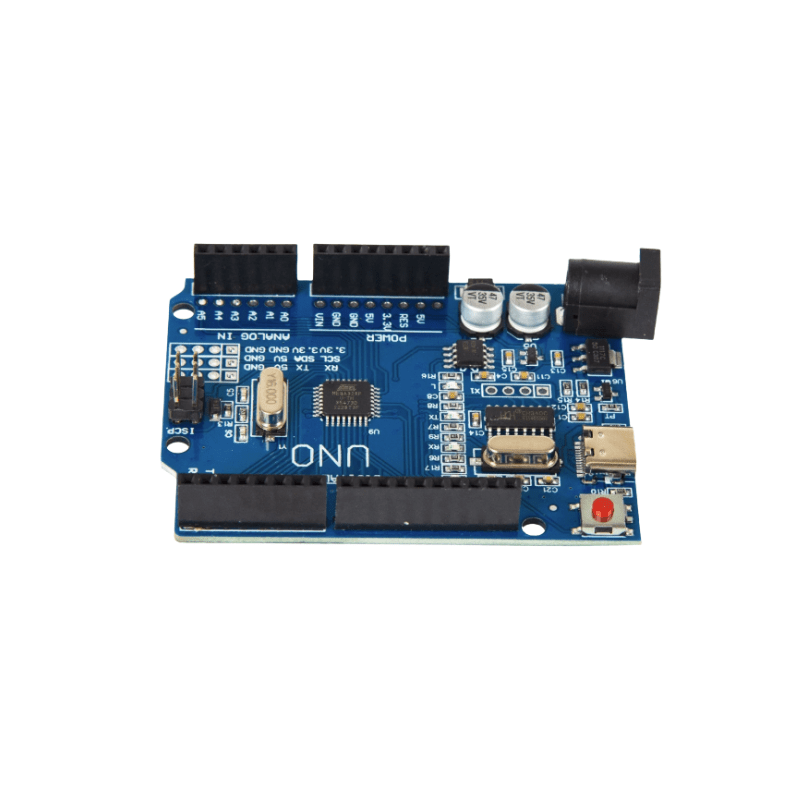
Powerful Arduino Development Board CH340 USB for DIY
Price range: $2.72 through $11.79
Arduino Development Board with CH340 USB interface, compatible with Uno R3 and Mega 2560 platforms. Ideal for robotics, STEM education, IoT development and electronics prototyping.
Combine shipping available. Message us for shipping rates.
- Quality Assurance
- Fast Worldwide Shipping
- Buy with Confidence
Description
Powerful Arduino Development Board CH340 USB for DIY Projects
Looking for a reliable and versatile development platform for robotics, IoT systems, automation projects, STEM education, and electronics prototyping? This Arduino Development Board series delivers stable performance, excellent compatibility, and easy programming for beginners, students, makers, and professional engineers.
Compatible with popular Uno R3 and Mega 2560 platforms, these boards feature proven ATmega microcontrollers and CH340 USB communication chips, making them ideal for programming sensors, controlling motors, building smart devices, and developing embedded systems. Whether you’re learning electronics for the first time or building advanced projects, these boards provide the flexibility and reliability needed for successful development.
Arduino Development Board Features
Designed to support a wide variety of electronics applications, this Arduino Development Board lineup combines powerful processing capabilities with user-friendly hardware and software compatibility.
ATmega328P Board Performance
The Uno R3 variants utilize the ATmega328P microcontroller running at 16MHz, providing dependable processing power for robotics, sensor monitoring, automation systems, LED control, and educational projects. With low power consumption and extensive community support, the ATmega328P remains one of the most widely used microcontrollers in the maker world.
Arduino Compatible Board Design
This Arduino Compatible Board follows the standard Uno R3 and Mega 2560 layouts, allowing seamless integration with expansion shields, relay modules, motor drivers, displays, wireless communication modules, and hundreds of Arduino-compatible accessories available worldwide.
CH340 USB Board Connectivity
Each board is equipped with a CH340 USB-to-Serial converter for reliable communication between your computer and the microcontroller. This enables easy code uploading, serial debugging, and project monitoring through the Arduino IDE.
Arduino Development Board Applications
From education to industrial prototyping, these boards support countless applications and development scenarios.
Arduino Development Board for Robotics
Control servo motors, DC motors, stepper motors, sensors, and autonomous systems for robotic vehicles, robotic arms, and intelligent automation projects.
CH340 USB Arduino Board for DIY Projects
Build smart home devices, environmental monitoring stations, LED displays, wireless controllers, and custom electronics with ease.
Arduino Compatible Board for STEM Learning
Widely used in schools, universities, makerspaces, and engineering training programs to teach coding, electronics, and embedded system development.
Available Models
Choose the board that best matches your project requirements.
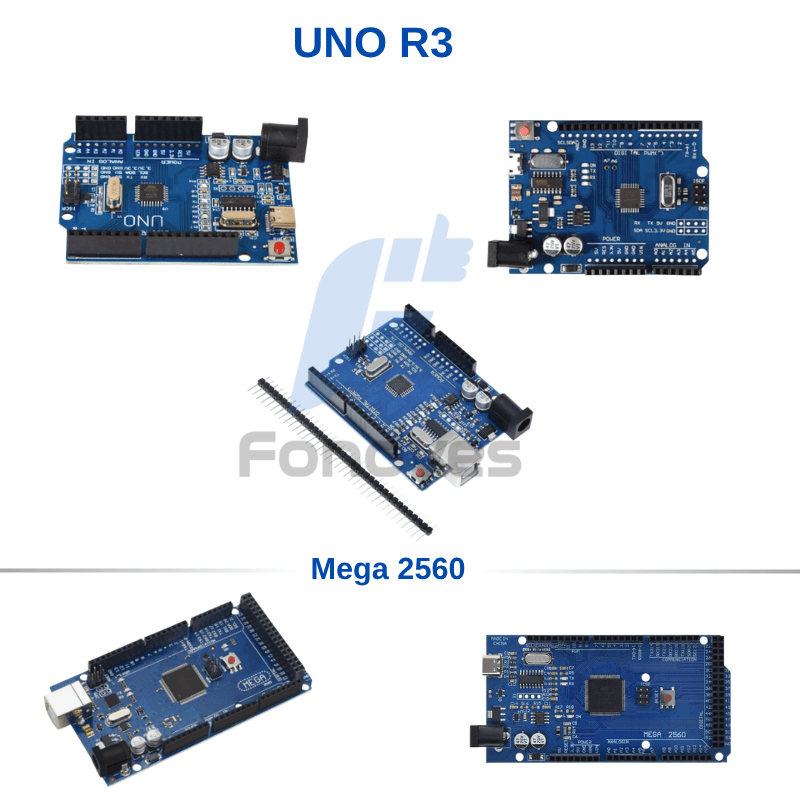
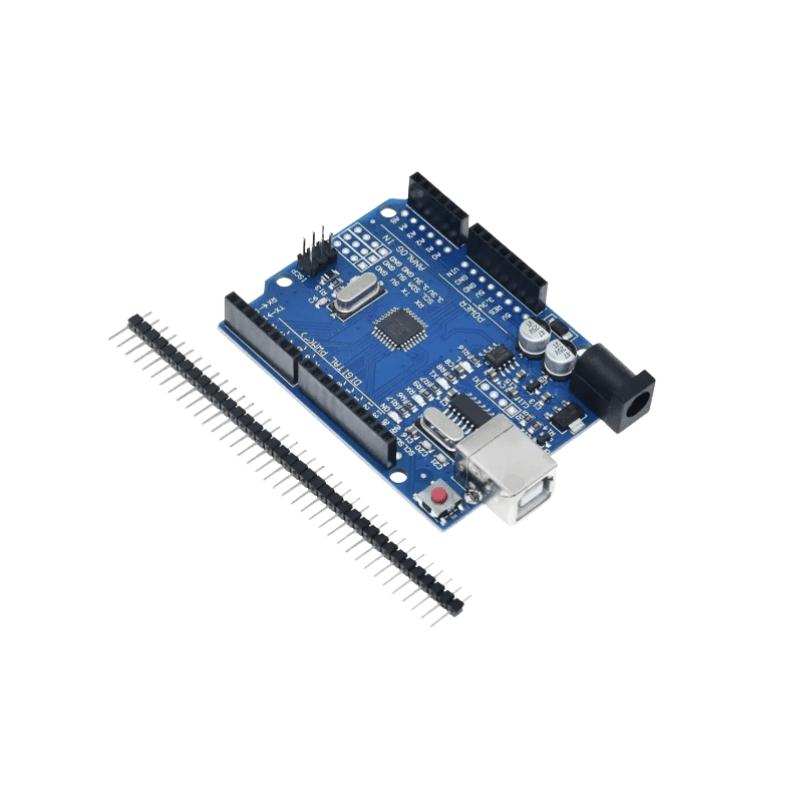
UNO R3 CH340+328P Type-B
Features the ATmega328P microcontroller and a standard USB Type-B connector. This is the classic Uno form factor preferred for educational use, prototyping, and general-purpose electronics projects.
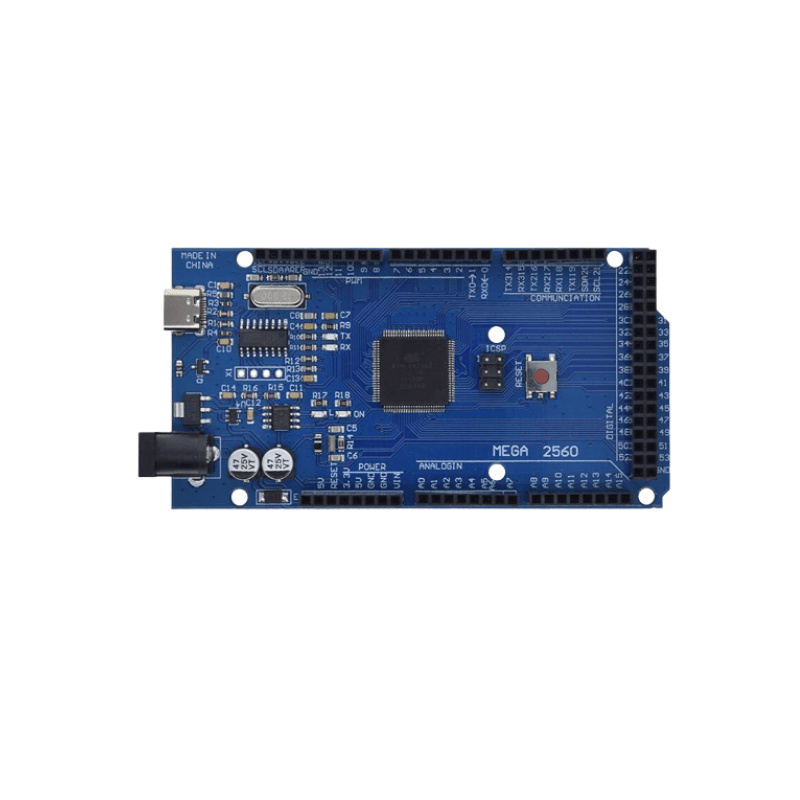
UNO R3 CH340+328P Type-C
Includes the same ATmega328P architecture with a modern USB Type-C connector, providing improved cable compatibility with newer laptops and desktop systems.
UNO R3 CH340+328P Micro USB
Uses a Micro USB interface while maintaining full Uno R3 functionality. Ideal for users who already have Micro USB cables available.
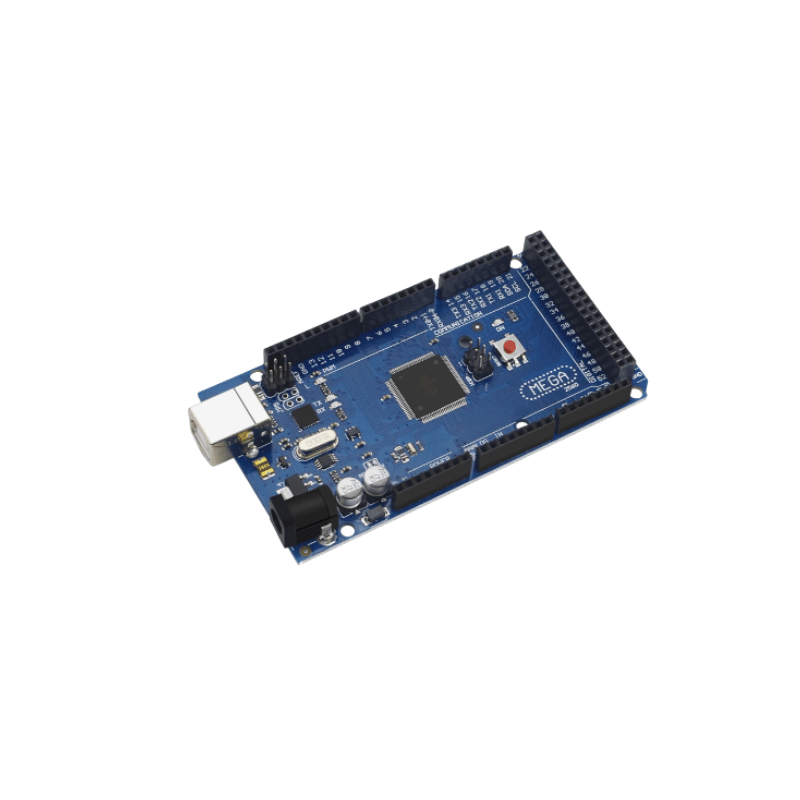
Mega 2560 R3 CH340G Improved Version
Powered by the ATmega2560 microcontroller, this model offers significantly more memory and I/O resources for complex robotics, CNC systems, 3D printers, automation controllers, and large-scale embedded projects.
Uno R3 vs Mega 2560
| Feature | Uno R3 | Mega 2560 |
|---|---|---|
| Microcontroller | ATmega328P | ATmega2560 |
| Digital I/O Pins | 14 | 54 |
| Analog Inputs | 6 | 16 |
| PWM Outputs | 6 | 15 |
| Flash Memory | 32KB | 256KB |
| SRAM | 2KB | 8KB |
| Best For | Learning & DIY | Advanced Projects |
If your project requires multiple sensors, displays, communication modules, or motor controllers, the Mega 2560 provides significantly greater expansion capability.
Arduino Development Board Technical Specifications
Uno R3 Models
- Microcontroller: ATmega328P
- Operating Voltage: 5V
- Clock Frequency: 16MHz
- Digital I/O Pins: 14
- PWM Outputs: 6
- Analog Inputs: 6
- Flash Memory: 32KB
- SRAM: 2KB
- EEPROM: 1KB
- USB Interface: Type-B / Type-C / Micro USB
- USB Communication Chip: CH340
Mega 2560 Model
- Microcontroller: ATmega2560
- Operating Voltage: 5V
- Clock Frequency: 16MHz
- Digital I/O Pins: 54
- PWM Outputs: 15
- Analog Inputs: 16
- Flash Memory: 256KB
- SRAM: 8KB
- EEPROM: 4KB
- USB Communication Chip: CH340G
Arduino Development Board Setup Guide
Getting started is simple:
- Connect the board to your computer using a compatible USB cable.
- Install the Arduino IDE.
- Install the CH340 driver if required by your operating system.
- Select the correct board model in the Arduino IDE.
- Upload your first sketch and begin development.
Video Tutorial
Arduino Uno Beginner Tutorial:
https://www.youtube.com/watch?v=fJWR7dBuc18
Arduino Mega 2560 Getting Started Guide:
https://www.youtube.com/watch?v=QUMI4jQJqf0
These tutorials demonstrate board setup, Arduino IDE configuration, driver installation, and first-time programming procedures.
Why Choose This Arduino Development Board?
- Excellent value for makers and engineers
- Fully compatible with Arduino IDE
- Supports thousands of open-source projects
- Large global user community
- Extensive shield and module compatibility
- Reliable CH340 USB communication
- Perfect for robotics, IoT, automation, and STEM learning
- Available in multiple USB interface options
Arduino Development Board FAQ
Is this board compatible with the Arduino IDE?
Yes. All models are fully compatible with the Arduino IDE and support standard Arduino libraries and example projects.
Do I need to install a CH340 driver?
Most operating systems automatically detect the CH340 USB chip. Some Windows installations may require manual driver installation.
What is the difference between Uno R3 and Mega 2560?
The Uno R3 is ideal for general-purpose projects and learning electronics. The Mega 2560 provides significantly more memory, digital I/O pins, and expansion capability for advanced applications.
Which USB version should I choose?
Functionally, all Uno R3 versions are identical. The only difference is the USB connector type: Type-B, Type-C, or Micro USB.
Can I use Arduino shields with these boards?
Yes. Both Uno R3 and Mega 2560 models are compatible with most standard Arduino expansion shields and modules available on the market.
Additional information
| Models | Mega2560, Mega2560 Type-C, UNO Micro, UNO Type-B, UNO Type-C |
|---|
Only logged in customers who have purchased this product may leave a review.
Related products
-
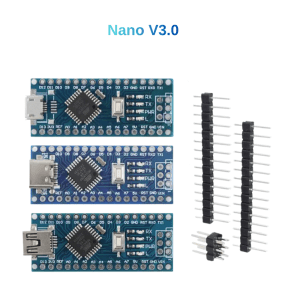
Solid Nano V3 CH340 ATmega328P Board Type-C Mini Micro
Price range: $2.45 through $2.49Select options This product has multiple variants. The options may be chosen on the product page -
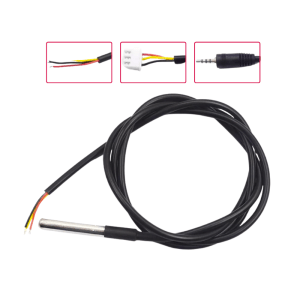
Reliable DS18B20 Temperature Sensor Waterproof Probe
Price range: $0.57 through $1.25Select options This product has multiple variants. The options may be chosen on the product page -
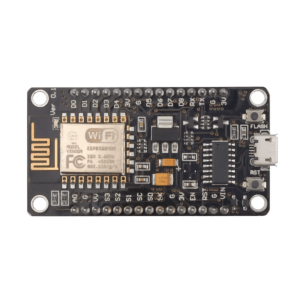
ESP8266 WiFi Development Board CH340 WiFi Module Micro USB & USB Type-C
Price range: $2.04 through $2.15Select options This product has multiple variants. The options may be chosen on the product page -
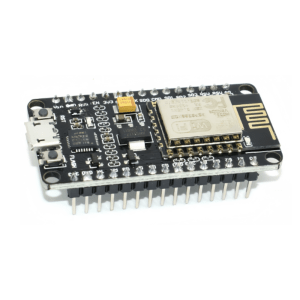
Efficient ESP8266 WiFi Development Board NodeMCU V2 CP2102 Micro USB & USB Type-C
$2.72Select options This product has multiple variants. The options may be chosen on the product page
Reviews
There are no reviews yet.